

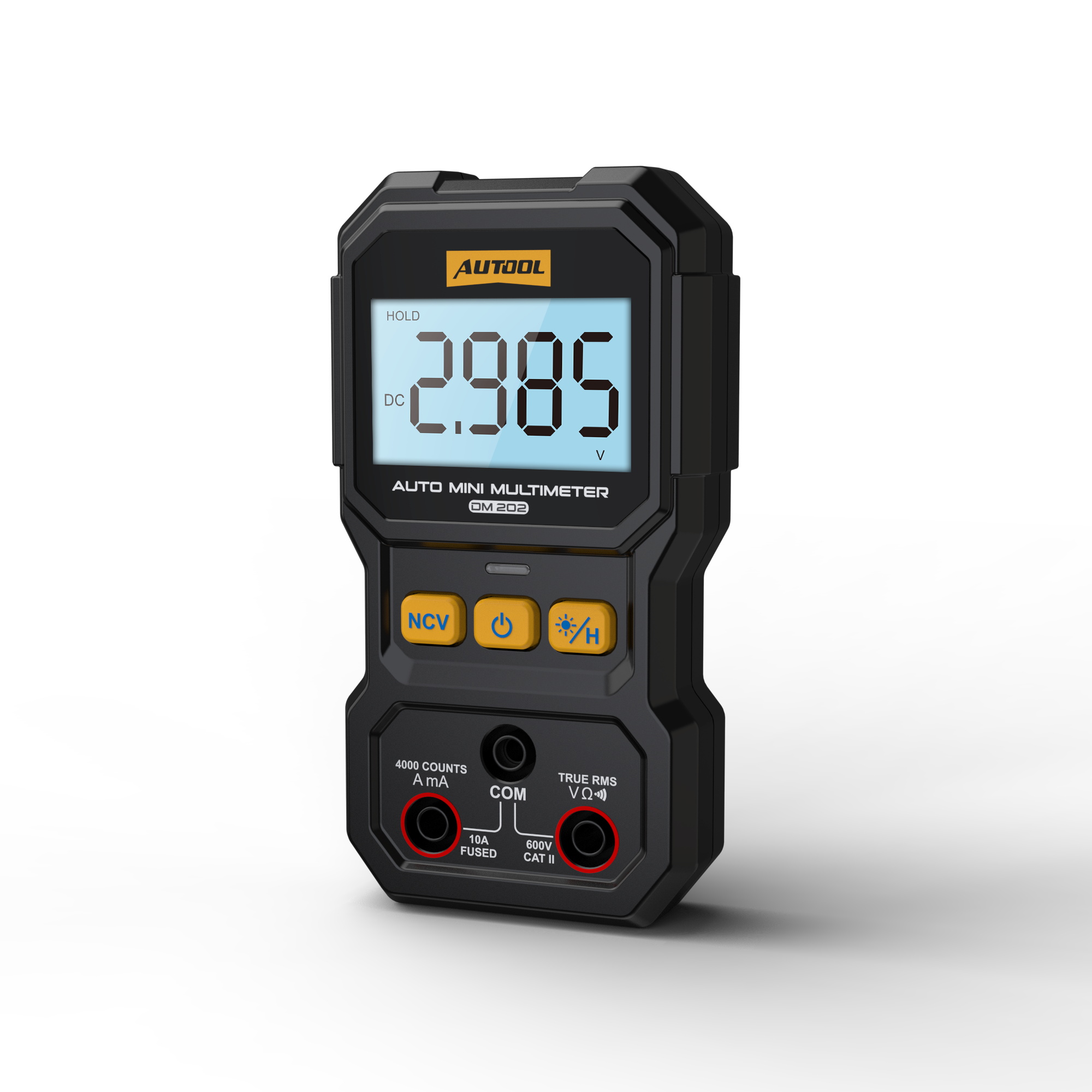
AUTOOL DM202 Mini Digital Multimeter NCV Tester Ture-RMS 4000 Counts
$ 35.10
AUTOOL DM202Product OverviewAUTOOL DM202 is a compact automotive mini digital multimeter for quick automotive and household electrical checks. It automatically identifies AC/DC voltage, resistance, and continuity, while also supporting True RMS, NCV non-contact voltage detection, live/neutral wire testing, data hold, backlight, flashlight, and a 4000-count display. Auto Mode True RMS NCV Test Live / Neutral Data Hold4-600VAC / DC Voltage4000Count LCD3x/sSampling Rate3 YearsWarranty Click to enlargeKey FeaturesKey FeaturesDM202 is designed to reduce manual setup and make everyday electrical troubleshooting easier, from automotive voltage checks to household live-wire detection and continuity testing.Automatic Mode IdentificationNo need to repeatedly adjust mode or range settings. DM202 automatically identifies AC/DC voltage, resistance, and continuity for quick basic checks.5-Second Quick MeasurementPower on the meter, insert the test leads, and let the device identify the measurement type automatically to help users get readings faster.True RMS MeasurementTrue RMS helps improve AC measurement reliability for supported waveforms and electrical checks within the rated range.NCV Non-Contact Voltage DetectionHold the NCV button and bring the meter close to a wire for quick AC voltage detection without directly contacting the conductor.Live / Neutral Wire TestSupports common live and neutral wire identification, helping users perform quick household or workshop electrical checks.4000-Count Display And Data HoldThe 4000-count LCD, data hold, screen backlight, and flashlight make readings easier to view, lock, and record in different work environments. Click to enlarge Click to enlarge Click to enlarge Click to enlarge Click to enlarge Click to enlarge Click to enlargeProduct DetailsProduct DetailsDM202 combines a compact 123 x 65 x 28mm body with clear front controls, a built-in flashlight, screen backlight, audible continuity buzzer, and a back stand for hands-free viewing.LED LightingThe rear flashlight helps illuminate dark test areas, especially around vehicle compartments, panels, and tight workspaces.Industrial Design BodyThe ABS/PVC body is designed for a comfortable grip and regular workshop handling.Continuity BuzzerThe audible buzzer alerts users to continuity status, making continuity checks easier when the screen is not directly visible.Back StandThe rear stand keeps the meter upright so users can view readings while keeping both hands free for probe positioning.SpecificationsAUTOOL DM202 Product SpecificationsReview the official DM202 measurement ranges, display information, sampling rate, working environment, and built-in functions before testing live circuits or unknown systems.Display And MeasurementDisplay4000-count LCDRangeAutoSampling Rate3 times/secondDC Voltage Range4-600V, resolution 0.001-1VAC Voltage Range4-600V, resolution 0.001-1VDC Current Range999.9mA, resolution 0.1mA / 9.999A, resolution 0.001AAC Current Range999.9mA, resolution 0.1mA / 9.999A, resolution 0.001AResistance Range4KΩ-40MΩ, resolution 0.001KΩ-0.01MΩFrequency Response In AC Mode40Hz-1kHzBody And FunctionsMaterialABS/PVCDimensions123 × 65 × 28mm / 4.84 × 2.56 × 1.1inOperating EnvironmentTemperature 0-40°C, humidity <75%Built-In FunctionsData hold, screen backlight, flashlight, auto power off, low battery warning, True RMS, continuity, NCVAuto Power OffAutomatically shuts down after 15 minutes without measurement; warning beeps sound before shutdown.Warranty Support3 years for eligible non-human damage cases Click to enlarge Display And MeasurementDisplay4000-count LCDRangeAutoSampling Rate3 times/secondDC Voltage4-600VAC Voltage4-600VDC Current999.9mA / 9.999AAC Current999.9mA / 9.999AResistance4KΩ-40MΩAC Frequency Response40Hz-1kHz Body And FunctionsMaterialABS/PVCDimensions123 × 65 × 28mmOperating Environment0-40°C, humidity <75%FunctionsData hold, backlight, flashlight, auto power off, low battery warning, True RMS, continuity, NCV How To UseHow To UseDM202 is designed for quick operation. Use the correct input jack, keep the measurement within the rated range, and follow the manual when testing unknown or live circuits.Power OnHold the power button for 2 seconds to turn the device on. The meter can automatically shut down after 15 minutes without measurement.Insert The Test LeadsConnect the black lead to COM and use the correct jack for current, voltage, resistance, or continuity according to the test you need.Let Auto Mode IdentifyIn auto mode, the device identifies AC/DC voltage, resistance, or continuity, helping reduce manual setup.Read Or Hold The ValueRead the 4000-count LCD directly, or press the hold/backlight button briefly to lock the current measurement value on the screen.Use NCV For Quick DetectionHold the NCV button and bring the meter close to the wire to detect AC voltage. Release the button to exit NCV mode.Use NotesNCV measurement cannot be performed in current mode.Press the backlight / flashlight / hold button briefly to hold the current reading.Hold the backlight / flashlight / hold button for more than 2 seconds to turn on both the backlight and flashlight; hold again to turn them off.One minute before auto shutdown, the built-in buzzer sounds five beeps as a warning.To disable auto power-off, hold the NCV button while turning on the device; after five beeps, auto power-off is disabled.Before You Order And UseBefore You Order And UseElectrical measurement involves risk. Confirm the rated range, input jack, and measurement method before connecting probes to automotive or household circuits.Use Within The Rated RangeDo not use the meter outside the official measurement range. Confirm the circuit type and expected voltage or current before testing.Choose The Correct JackUse the current jack only for current measurement, the COM jack for the black lead, and the voltage / resistance / continuity jack for supported checks.NCV Is Preliminary DetectionNCV is designed for quick non-contact AC voltage detection. Do not rely on NCV alone before touching or repairing a circuit.Be Careful With Live CircuitsDo not touch exposed conductors. If the circuit status is unclear, stop testing and follow proper safety procedures.Check Unclear ReadingsIf the reading is unstable or unexpected, check the probes, jack connection, test point, and measurement method before continuing.Use The ManualRead the user manual before measuring unfamiliar circuits, live electrical systems, or current loads. Click to enlargeWhat Is In The BoxWhat Is In The BoxThe official packing image shows the DM202 main unit, test leads, user manual, and retail box. Refer to the package image for the final included accessories.Main UnitAUTOOL DM202 auto mini multimeterTest LeadsRed and black test probes shown in the package imageManualAUTOOL DM202 user manualPackagingDM202 retail boxManual And DownloadsManual And DownloadsUse the manual preview and contact support if you need the full PDF file, setup confirmation, measurement guidance, or safety information before testing unfamiliar circuits. Click to enlargeAUTOOL DM202 Manual PreviewOpen the manual preview before use, especially when working with live circuits, current measurement, NCV detection, or unknown systems. Open Manual PreviewNeed The Full Manual?Contact AUTOOL Store for the latest DM202 manual file, measurement setup help, NCV use, current jack confirmation, and safe-use guidance. Email[email protected] WhatsApp 86 189 2647 7404Questions And AnswersThese answers cover auto mode, voltage range, current measurement, NCV detection, True RMS, data hold, auto power-off, package contents, manual support, and warranty. What Can AUTOOL DM202 Automatically Identify? DM202 can automatically identify common checks including AC/DC voltage, resistance, and continuity. This helps reduce manual mode and range adjustments during basic electrical troubleshooting. What Voltage Range Does DM202 Support? DM202 supports 4-600V DC voltage and 4-600V AC voltage according to the official specification image. Do not use the meter outside the rated range or on unknown circuits without checking the manual first. Can DM202 Measure Current? Yes. The official specification image lists AC/DC current ranges of 999.9mA and 9.999A. Use the correct current jack and follow the manual before measuring current. Do not perform NCV measurement in current mode. How Do I Use NCV Non-Contact Voltage Detection? Hold the NCV button to enter NCV mode, keep holding it during measurement, and bring the meter close to the wire to detect AC voltage. Releasing the button exits NCV mode. NCV is a quick preliminary detection method and should not replace proper safety confirmation before touching or repairing a circuit. What Does True RMS Mean On DM202? True RMS helps the meter measure RMS values of supported AC waveforms more reliably. For AC mode, the official specification image lists a frequency response of 40Hz-1kHz. How Do Data Hold, Backlight, And Flashlight Work? Press the backlight / flashlight / hold button briefly to lock the current reading on the LCD screen. Hold the same button for more than 2 seconds to turn on both the screen backlight and flashlight; hold it again to turn them off. Why Does DM202 Shut Down Automatically? If no measurement is performed within 15 minutes after power-on, DM202 automatically shuts down. One minute before auto shutdown, the built-in buzzer sounds five beeps. To cancel auto power-off, hold the NCV button while turning on the device; after five beeps, auto power-off is disabled. Can DM202 Be Used For Car Battery Voltage Checks? Yes, DM202 can be used for basic car battery DC voltage checks within its rated voltage range. Confirm the correct DC voltage measurement method, probe connection, and safe test points before testing. What Accessories Are Included? The package image shows the AUTOOL DM202 main unit, red and black test leads, user manual, and retail box. Refer to the official packing image for the final included accessories. Where Can I Get The DM202 Manual? A manual preview is provided in the Download section. If you need the latest full PDF manual or setup confirmation, contact AUTOOL Store support by email or WhatsApp. How Long Is The Warranty? AUTOOL provides 3-year support for eligible non-human damage cases. Contact support for setup help, accessory confirmation, troubleshooting, warranty, returns, and exchanges.Related GuidesRelated GuidesUse these related AUTOOL articles to learn more about car battery voltage checks and compact electrical testing tools. Battery CheckA Simple Guide to Checking and Replacing Car Battery YourselfLearn how basic voltage checks can help evaluate battery condition before further diagnosis or replacement. AUTOOL ToolsAUTOOL New Product Release | DM103 Digital LCR TweezerExplore another compact AUTOOL electrical testing tool for electronic component checks. Guide / 2025-10-22AUTOOL New Product Release | DM103 Digital LCR TweezerLearn the DM103 positioning, D/Q interpretation, and component-level testing workflow. Guide / 2025-09-12Common Car Breakdowns and SolutionsSee common electrical fault patterns and where LCR-level measurement can reduce misdiagnosis.Warranty And ContactWarranty And ContactFor DM202 setup, measurement range confirmation, probe connection, NCV use, current measurement, manual support, accessories, troubleshooting, or warranty help, contact AUTOOL Store directly.Pre-Sales And Product SupportUse support before or after purchase if you need help confirming whether DM202 fits your automotive or household electrical testing needs.Model selection and measurement range confirmationProbe connection and input jack guidanceNCV, live/neutral wire, continuity, and True RMS use questionsCar battery voltage check guidanceManual file, package contents, and accessory confirmation3-year warranty support for eligible non-human damage casesReturns, exchanges, troubleshooting, and legacy model support Email Support[email protected] WhatsApp Support 86 189 2647 7404
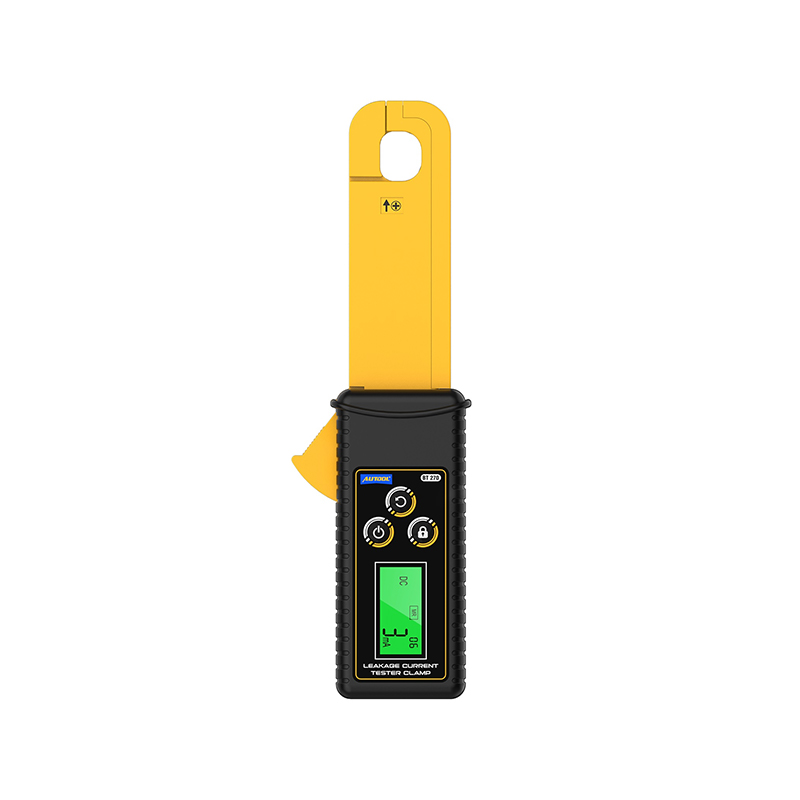 AUTOOL BT270 Clamp On Amp Meter DC Clamp Meter
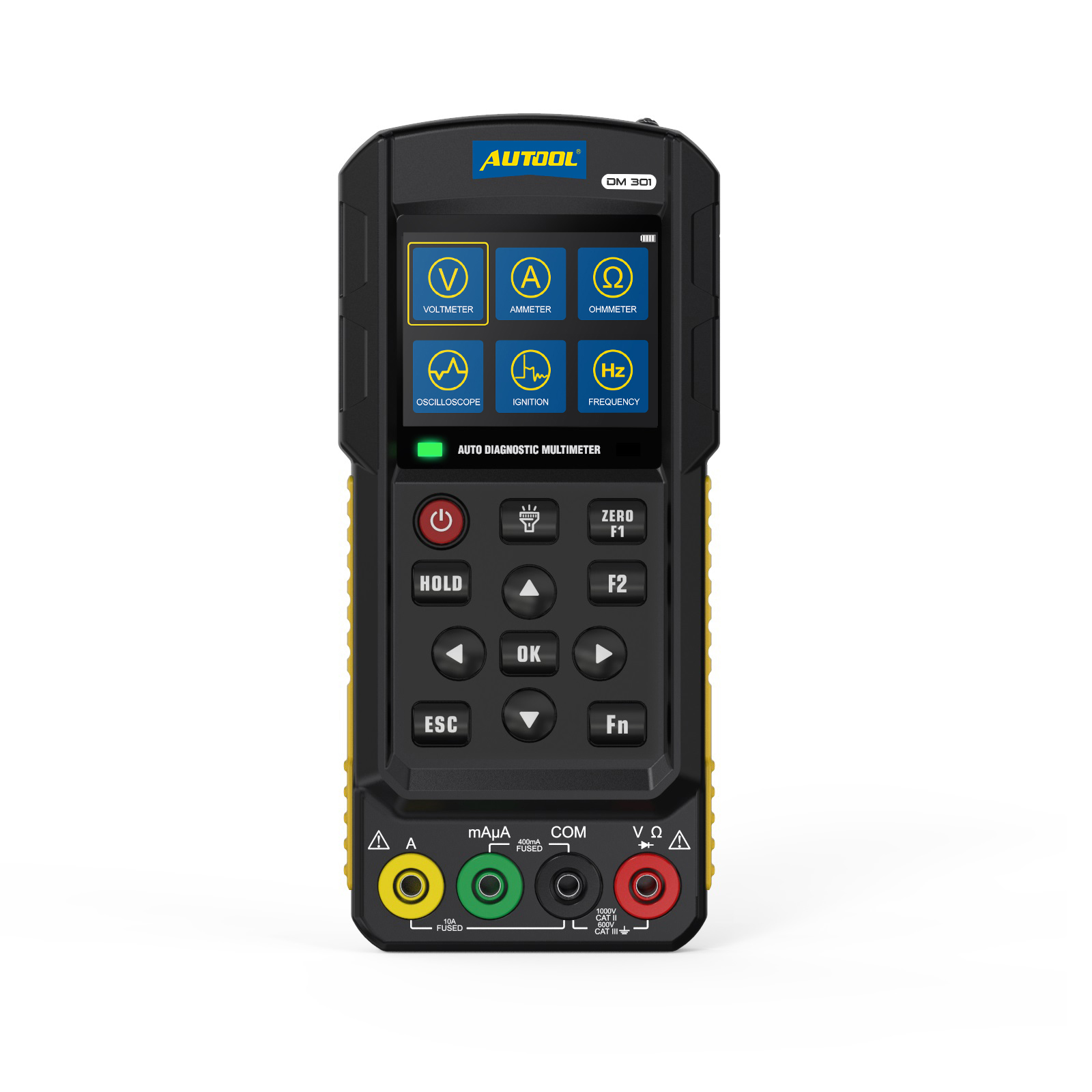 AUTOOL DM301 Auto Digital Multimeter Car Circuit Tester